
The Free Social Media Scheduler Every PR Professional Needs
Public relations professionals wear a lot of hats! From crafting compelling campaigns to juggling multiple social media platforms. It can be a lot to handle. When I was working for my previous company, I managed six different brands with their own social media pages, a complete set of Instagram, Facebook, and more! There are only so many hours in a day. When time is tight and consistency matters, having a tool like Buffer can be a lifesaver! In this post, I will show you why Buffer is one of the best free tools available in the business.
What is Buffer?
Buffer is a social media management platform (SMM) that helps you schedule posts, track engagement, and manage multiple accounts from one place.
How does it work?
Once you sign up, you can connect to three social accounts for free: Instagram, Facebook, LinkedIn, Pinterest, etc. From there, you can…
-Draft post
-Schedule them to go live at specific times
-View your calendar
-Analyze performance
Why is Buffer useful?
You can schedule posts ahead of time across various platforms. There’s no need to make a Word doc anymore! This helps you maintain consistency during different campaigns, save time by creating batches of content, and respond quickly to your audience.
Cost Breakdown
Free plan– One user, three accounts, and 10 scheduled posts per account.
Essential plan– Six dollars a month per channel, plus more posts and analytics
Team and agency plans– Advanced collaboration, reporting tools
The free version is ideal for students, freelancers, and small businesses.
And the best part?
The interface is clean, simple, and easy to use. Even first-time users can learn Buffer within minutes. Many tutorials and online support are available to help you find those hidden tricks and tips.
And the bad news?
The free plan is limited to about 10 scheduled posts per profile at a time, which can be restrictive during busy campaigns.
Accessibility
Buffer does work both on desktop and mobile (IOS/Android)
The desktop version will probably be your best friend for scheduling content, analyzing performance, and viewing the calendar.
The mobile version is also great for quick edits, posting on the go, and engagement.
Both options are great, but the desktop option does have more layout space and functionality. 
Screenshots
Buffer Desktop Dashboard
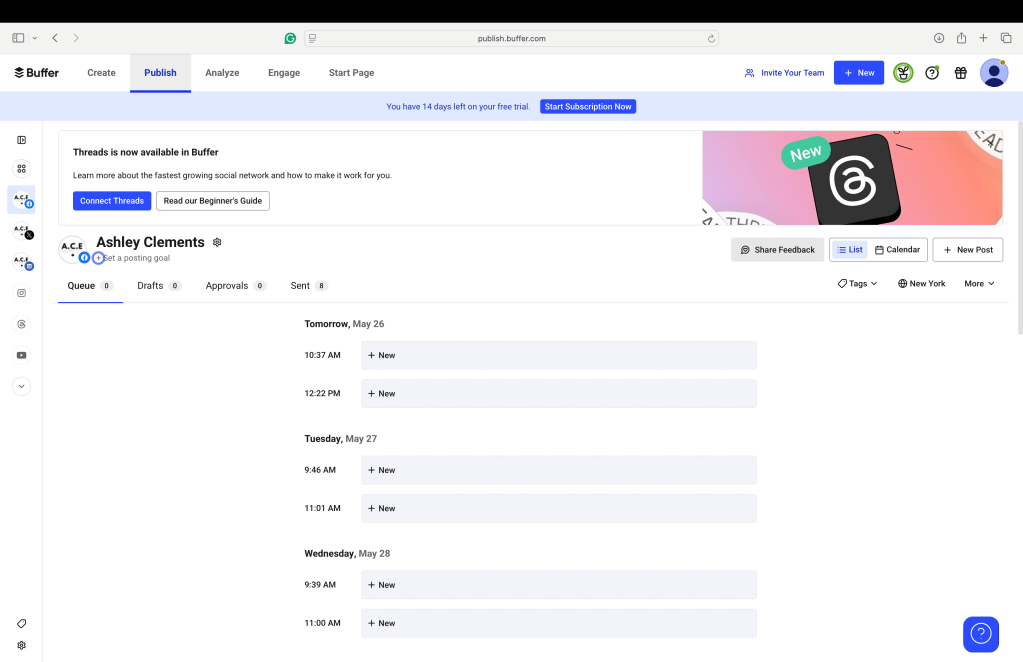
Caption: Buffer’s simple calendar layout makes my social media management a breeze!
Buffer Mobile App view
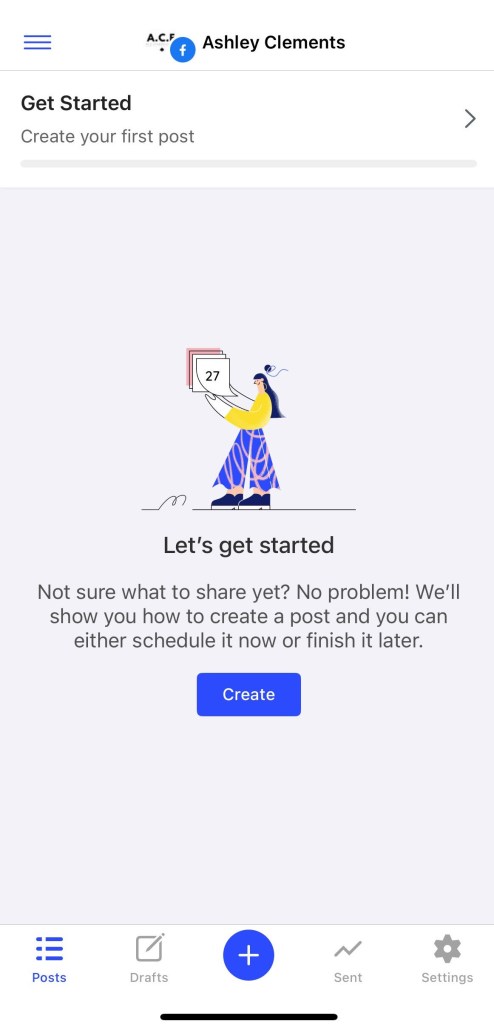
Caption: Schedule and edit on the go!
So, what’s the main takeaway here?
Buffer is not only a great free tool for creating social media content, but it’s a must-try for its scheduling power, clean design, and cross-platform support, which makes it the ideal product for any PR professional, especially those who are just entering the field, and for my freelancers out there!

Proudly powered by WordPress
 A.C.E PR & Communications